
Medication
Offers gentle reminders and helps reach the pharmacy when needed.
“I’m out of medicine.”

The AI assistant that calls every day: medication, doctors, shopping and family in one call
A helping voice for older adults and people with disabilities. Carefonics calls, listens to your needs, and helps with medication, appointments, shopping, and staying close to family.
See how it worksSee how a single phone call can make an older adult's day easier.
Everyday use cases
No complicated screens. Carefonics understands natural speech and starts the right next step.
Offers gentle reminders and helps reach the pharmacy when needed.
“I’m out of medicine.”
Remembers appointments and makes access to care easier.
“I need to see my doctor.”
Starts grocery and essential shopping with a simple voice request.
“Let’s get some fruit.”
Keeps family informed and makes reaching loved ones effortless.
“Could you call my daughter?”
User stories
Examples of how a voice assistant for seniors and people with disabilities makes daily life easier with medication reminders, doctor appointments, bill tracking and family contact.
These are illustrative scenarios, not real customer reviews. Names are fictional and images are AI-generated.

Age 72 · Medication and appointments
I plan my day with more confidence.
“When Carefonics calls, we talk about my medication times and upcoming doctor visits. Being able to say what I need puts me at ease, without complicated screens. I would recommend this support to anyone who wants to keep living independently.”

Age 66 · Accessible shopping
One conversation takes care of my needs.
“I use a wheelchair. When Carefonics asks about my daily needs, I share my grocery list and it helps me start the steps to place an order. I am very happy to handle everyday tasks more easily. I would recommend it to anyone who needs this kind of support.”
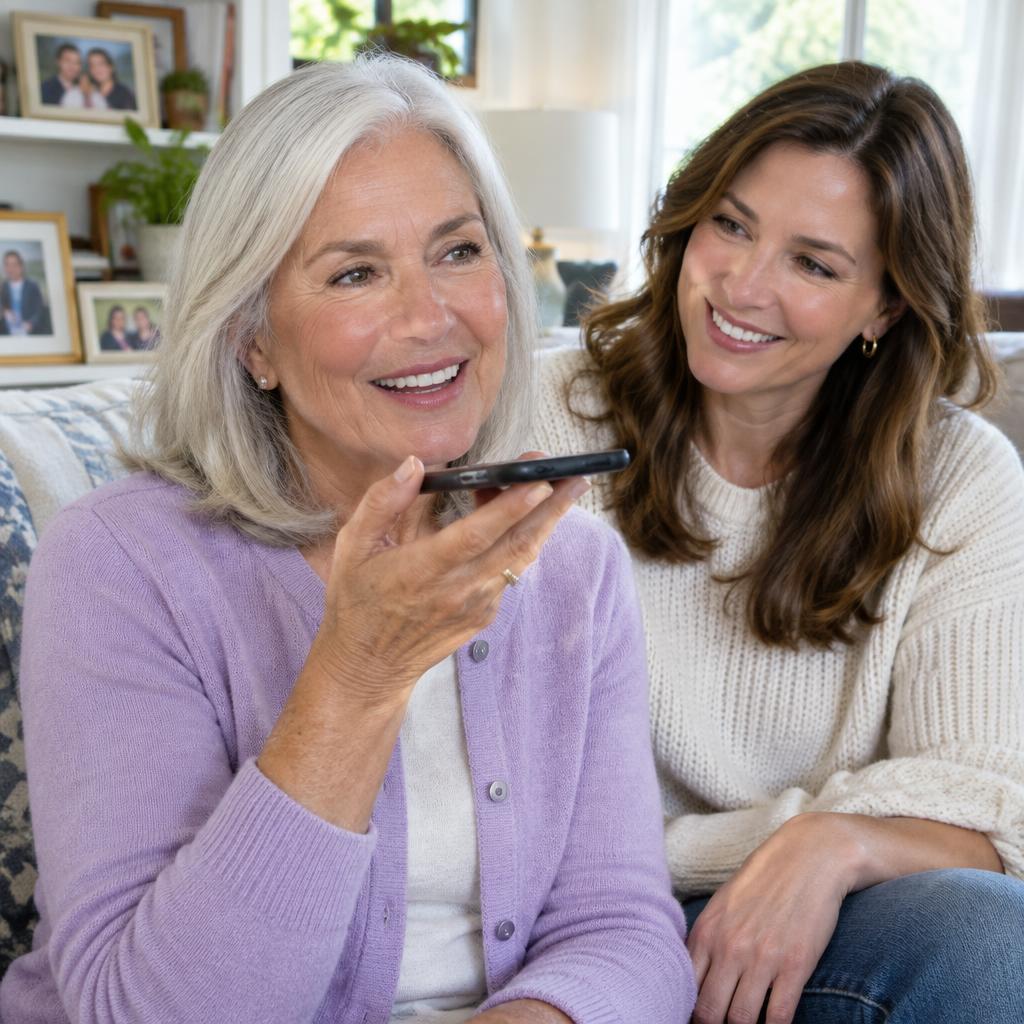
Age 70 · Family connection
My loved ones feel a voice away.
“I tell Carefonics when I want to speak to my daughter. It helps me reach her, and its reminders make my day easier. I feel more connected and at ease. I would happily recommend it to people my age and their families.”

Age 74 · Bill reminders
I no longer have to keep every due date in my head.
“I sometimes mix up the dates for my electricity and water bills. When Carefonics calls, it reminds me of the payment days we have agreed on. If I need help, it supports me in reaching my son with my approval; I make the payment myself or with him. Not leaving things until the last day puts me at ease. I would recommend it to anyone who wants to keep everyday tasks organized.”

Age 69 · Getting to appointments
I know how I will get there, not just when to go.
“Changing buses and reaching my doctor on time can feel stressful. Carefonics calls and asks whether I need help getting there. With my approval, it helps me contact a relative or start contacting an available transport service. We also plan a reminder for when to leave. Feeling prepared gives me peace of mind, and I would recommend this support to others my age.”

Age 77 · Daily routine and conversation
The little things in my day feel manageable again.
“On some days living alone, I miss mealtimes or forget to drink water and take my short walk. During a scheduled Carefonics call, we talk about my day and agree on the reminders I want. When I feel like a chat, it also helps me reach a friend with my approval. I am happy to feel more organized and connected. I would recommend it to others my age who live alone.”
How it works
Carefonics does not just wait for you to ask. It calls at agreed times, asks how you are and what you need, then helps start the right next steps with your approval.

Your phone rings at a time agreed with you or your family. Carefonics introduces itself and asks about your day, medication, and upcoming appointments. There is no app to open; simply answer the call.
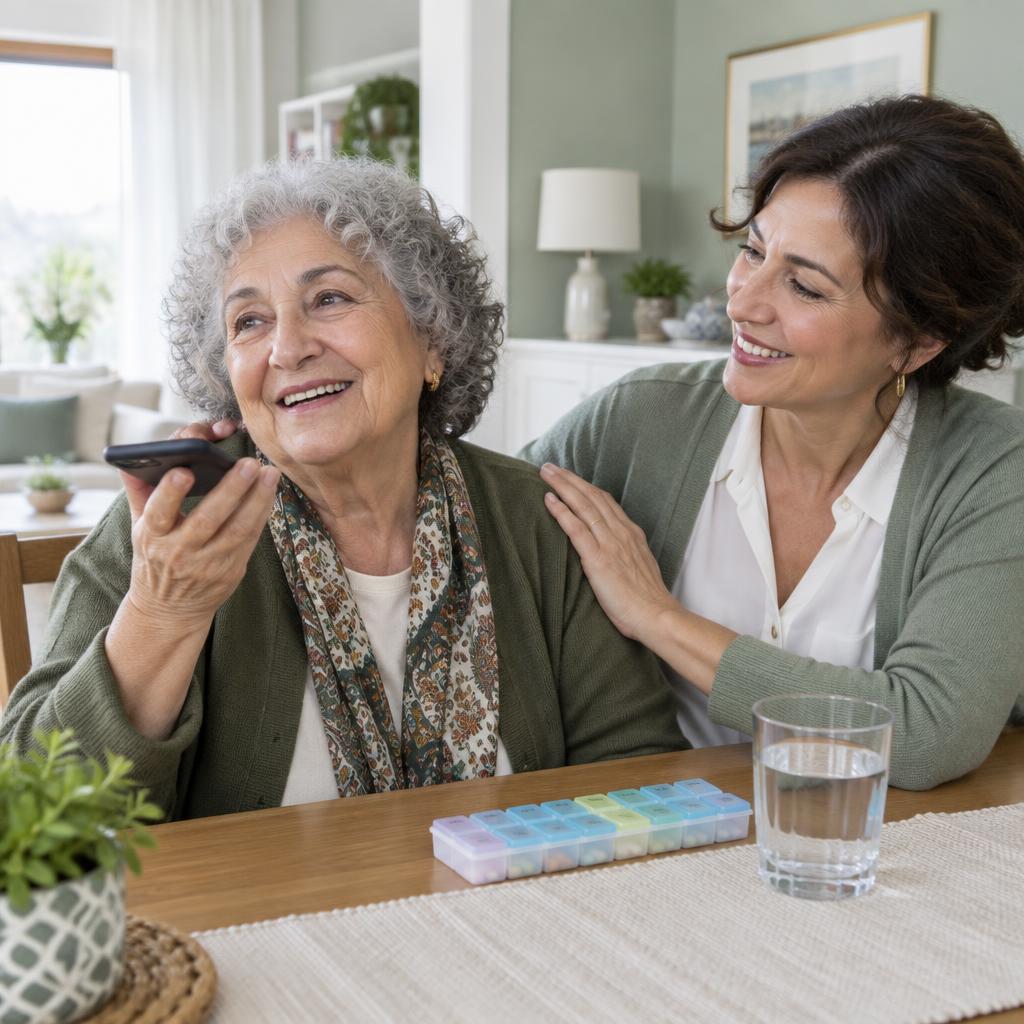
In your own words, explain that you need medicine, groceries, a doctor appointment, or a call with family. Carefonics listens, asks follow-up questions, and checks that it has understood what you want.

Depending on your needs, it helps set a reminder, start appointment or ordering steps, or reach a chosen family member. It explains what has been done and shares the next steps. You stay in control.
Actions require user approval and depend on available services and agreed permissions. Carefonics does not replace medical advice or emergency services.

Peace of mind
Carefonics protects independence while helping families stay informed at the moments that matter.
Frequently asked questions
Common questions about Carefonics, the voice assistant for older adults: how it works, call times, family updates and safety.
For support provided over the phone, there is no app to open. Answer the call at the agreed time and describe what you need in your own words.
Calling times are agreed with you and, where appropriate, your family. Your routine, preferred times, and reminders help shape the plan.
Contact with relatives depends on your approval and the permissions you agree to. Decide in advance who may be contacted and what may be shared.
No. Carefonics supports everyday living; it does not replace a doctor, medical advice, or emergency assistance. In an emergency, call your local emergency number.
Share your needs and questions in the Contact us section. We can explore suitable ways to use Carefonics together.
About Carefonics
We design Carefonics to make everyday life more organized, independent, and connected for older adults and people with disabilities. Our goal is not to teach technology, but to turn natural conversation into everyday support.
Contact usCall safety
We understand families worry about unknown callers. That is why Carefonics calls follow clear rules.
Every call starts with the Carefonics name and the person's name — no surprises.
Bank, card, password or payment details are never requested on any call.
You or your loved one choose call times and topics, and can change them anytime.
If something worrying comes up, the family member you choose is notified.
Information is used only to provide the service, never sold, and deleted on request.
Free pilot program
We are opening a free pilot for a limited number of families and organizations. Apply and our team will call you to set everything up around your needs.
Carefonics
Interested in Carefonics for yourself or someone you love? Tell us your questions and everyday needs.
WhatsApp only